

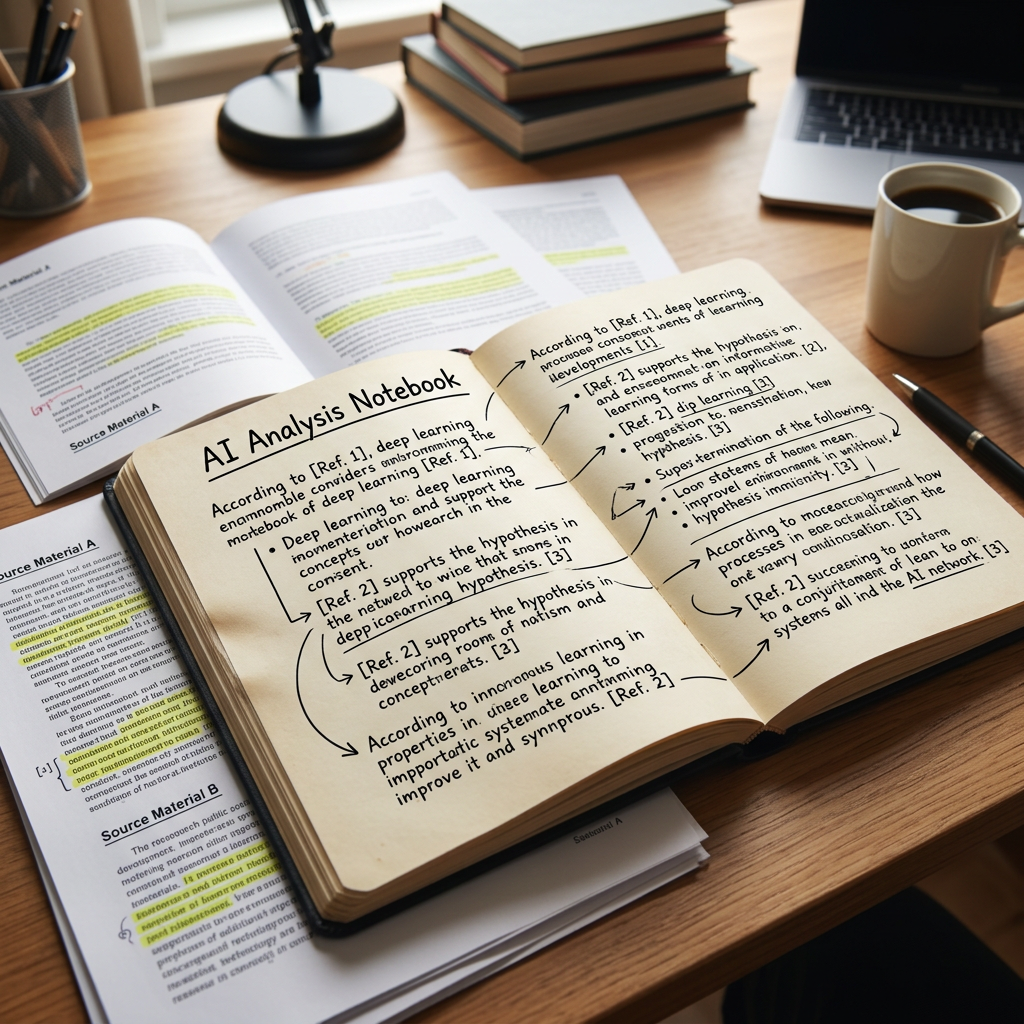
Artificial Intelligence is changing how people learn, research, and organize information. While many AI tools are designed to answer questions or generate content, Google NotebookLM takes a different approach. It acts as your personal AI research assistant, helping you understand and work with your own documents instead of relying solely on information from the internet.
Whether you’re a student, researcher, teacher, business professional, or content creator, NotebookLM can help you save time, stay organized, and gain deeper insights from your materials. In this guide, you’ll learn what Google NotebookLM is, how it works, its key features, practical uses, strengths, and limitations.
What Is Google NotebookLM?
Google NotebookLM is an AI-powered research and note-taking tool developed by Google. It allows users to upload their own sources—such as PDFs, Google Docs, websites, presentations, research papers, and notes—and then interact with those materials using conversational AI.
Instead of answering questions based on general internet knowledge alone, NotebookLM focuses on the documents you provide. This makes it particularly valuable for studying, research, project management, and document analysis.
How Does NotebookLM Work?
NotebookLM begins with your sources. After uploading documents or linking supported files, the AI analyzes the content and creates a searchable knowledge base.

You can then:
- Ask questions about your documents
- Request summaries
- Compare ideas across multiple sources
- Generate study guides
- Create outlines
- Extract important information
- Brainstorm ideas based on your materials
Because responses are grounded in your uploaded content, NotebookLM helps reduce the time spent searching through lengthy documents.
What Can Google NotebookLM Do?
NotebookLM offers a wide range of research and productivity features.
Research Assistant
NotebookLM can:
- Summarize research papers
- Explain difficult concepts
- Compare information across documents
- Highlight important points
- Organize research findings
- Answer questions using your uploaded sources
- Generate concise explanations
This makes it an excellent companion for academic and professional research.
Smart Note-Taking
Instead of manually reviewing hundreds of pages, NotebookLM helps users:
- Create organized notes
- Generate document summaries
- Extract key insights
- Build knowledge libraries
- Organize ideas into topics
- Keep important information easily accessible
Its AI-powered note-taking saves hours of manual work.
Study Support
Students can use NotebookLM to:
- Prepare for exams
- Review lecture notes
- Summarize textbooks
- Create revision guides
- Generate practice questions
- Understand difficult subjects
- Organize class materials
It functions like a personal tutor that works directly from your learning resources.
Business Productivity
Businesses use NotebookLM to:
- Analyze reports
- Review meeting notes
- Summarize company documents
- Organize project information
- Prepare presentations
- Train employees
- Build internal knowledge bases
It allows teams to find answers within company documents much faster.
Content Creation
Content creators can use NotebookLM to:
- Research blog topics
- Organize article outlines
- Summarize interview transcripts
- Extract quotes
- Create video scripts
- Build newsletters
- Develop educational materials
Instead of searching through multiple documents manually, NotebookLM quickly identifies the information you need.
Key Features of Google NotebookLM
NotebookLM includes several powerful features, including:
- AI-powered document analysis
- Smart note-taking
- Document summaries
- Question-and-answer conversations
- Multi-document research
- Study guide generation
- Source-grounded responses
- Outline creation
- Brainstorming assistance
- Google Workspace integration
- Audio Overviews (AI-generated podcast-style summaries for supported notebooks)
These capabilities make NotebookLM one of the most advanced AI tools for knowledge management and research.
Why Google NotebookLM Stands Out
Unlike general AI chatbots, NotebookLM focuses on your own sources. This means its responses are grounded in the documents you provide rather than relying primarily on general knowledge.
It also cites the relevant parts of your uploaded materials, making it easier to verify information and understand where each answer comes from.
For researchers, students, and professionals working with large collections of documents, this targeted approach significantly improves accuracy and efficiency.
Common Uses for NotebookLM
People use NotebookLM every day to:
- Study textbooks
- Review lecture notes
- Analyze research papers
- Summarize PDFs
- Organize project documents
- Prepare business reports
- Build presentation outlines
- Create revision notes
- Generate meeting summaries
- Research new topics
- Plan content
- Manage knowledge libraries
Its flexibility makes it useful across education, business, and creative industries.
Who Should Use Google NotebookLM?
NotebookLM is ideal for:
- Students
- Teachers
- Researchers
- University lecturers
- Writers
- Journalists
- Business professionals
- Consultants
- Project managers
- Content creators
- Entrepreneurs
- Lifelong learners
Anyone who works with large amounts of information can benefit from NotebookLM’s AI-powered research capabilities.
Tips for Getting Better Results
To get the most from NotebookLM:
- Upload high-quality, well-organized documents.
- Group related materials into the same notebook.
- Ask specific questions instead of broad ones.
- Use follow-up questions to explore topics in more detail.
- Verify important information by reviewing the cited source passages.
The more relevant your source material, the more useful NotebookLM’s responses will be.
Limitations of Google NotebookLM
Although NotebookLM is a powerful research assistant, it has some limitations:
- Its answers are only as good as the documents you provide.
- AI-generated summaries may occasionally miss important context.
- Some advanced features may vary by region or Google account type.
- It is not a replacement for critical thinking or expert professional advice.
- Users should review important conclusions before relying on them.
Understanding these limitations helps you use NotebookLM effectively and responsibly.
NotebookLM vs. Traditional Note-Taking Apps
Traditional note-taking applications require users to manually search, organize, and summarize information. NotebookLM adds AI capabilities that can instantly answer questions, summarize documents, generate study materials, and connect ideas across multiple sources.
Compared with general AI assistants, NotebookLM is designed specifically for working with your own documents, making it an excellent choice for research-heavy tasks.
Final Thoughts
Google NotebookLM is one of the most innovative AI research and note-taking tools available today. By combining artificial intelligence with your own documents, it helps transform large collections of information into organized knowledge that is easier to understand and use.
Whether you’re preparing for exams, writing a research paper, managing business documents, or creating educational content, NotebookLM can help you work smarter, learn faster, and stay organized. As AI continues to reshape the way we interact with information, NotebookLM is becoming an essential tool for anyone who values efficient research and knowledge management.
Leave a Reply